
Scams Hitting Small Businesses Right Now, and How to Stop Them
Fake invoices, payroll changes, toll texts, tax scams and cloned voices: the scams hitting small businesses now, when each one peaks, and the few habits that stop nearly all of them.
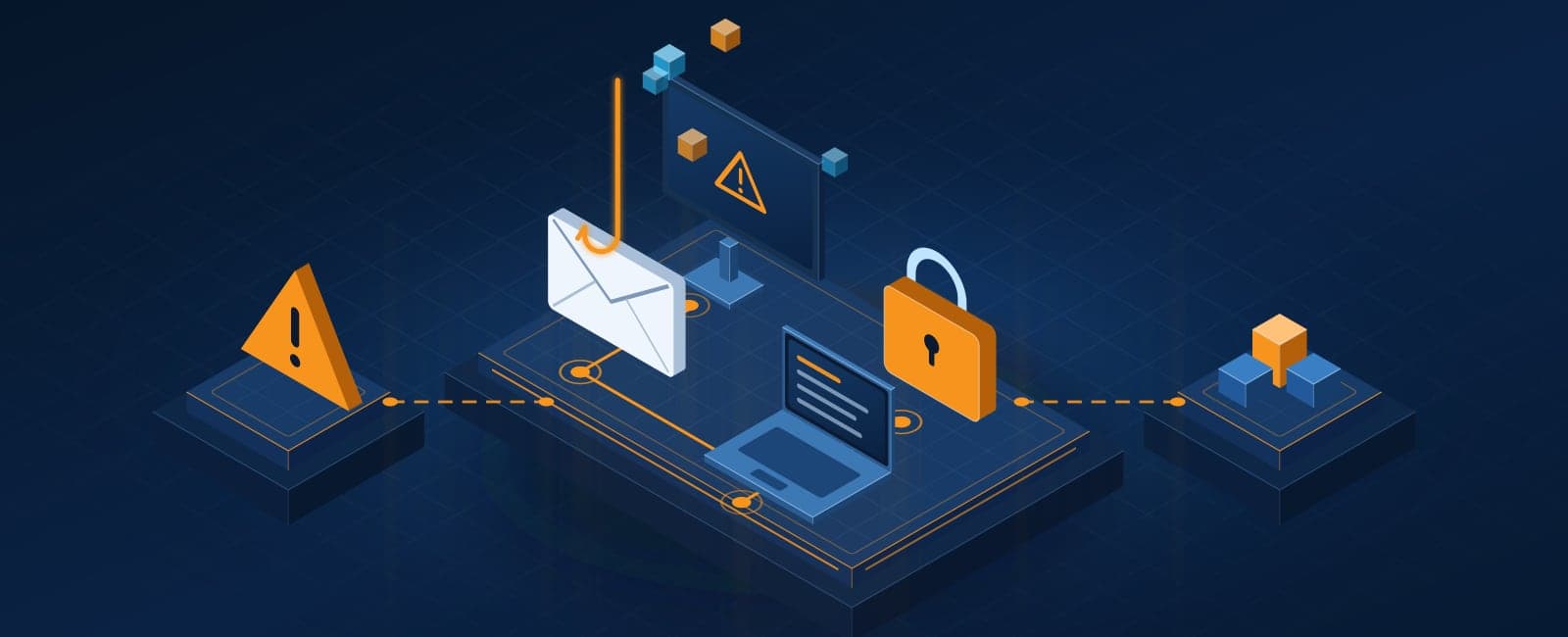
The scams that hurt our clients most aren't sophisticated. They're a believable email that lands at a busy moment. Usually it asks someone to do something slightly out of the ordinary: pay a new account, change a direct deposit, buy gift cards, or click a link to fix a problem. This guide covers the ones we see most, when they peak, and the few habits that stop nearly all of them. We update it as the scams change.
Payment redirects and fake invoices
The most expensive scam for businesses. A vendor's email, or a perfect copy of it, says their bank details have changed and asks you to pay the next invoice to a new account. Often the vendor's real mailbox was hacked first, so the message arrives in the middle of a genuine email thread. The FBI recorded $2.77 billion in losses to this kind of business email compromise in 2024.
Stop it: any change to payment details gets confirmed by phone, using a number you already had, never one from the email.
Payroll diversion
An email that appears to come from an employee asks HR or the office manager to switch their direct deposit to a new account before payday. Nobody notices until the real employee asks where their paycheck went.
Stop it: deposit changes are made only in person or through your payroll system's own sign-in, never by email.
"Are you at your desk?" gift-card requests
A text or email from "the owner" asks a staff member for a quick favor: buy gift cards for a client, scratch off the codes, send photos. It works because it sounds urgent and personal.
Stop it: make it a known rule that the owner never asks for gift cards by text or email.
Fake toll, package and delivery texts
Texts claiming an unpaid toll or a held package, with a link to pay a small fee. In March 2025 the FBI warned about a wave of fake toll texts after more than 2,000 complaints in a single month, sent from over 10,000 web addresses set up for the scam. Staff get these on the same phones they use for work.
Stop it: never pay from a link in a text. Go to the toll agency or carrier's site yourself.
Tax-season scams
From January through April, scammers impersonate the IRS, your accountant or your payroll provider. A common one targets whoever handles payroll with a request for copies of everyone's W-2s, which hands over every employee's Social Security number.
Stop it: treat any request for W-2s or tax records as suspicious until confirmed by phone.
Holiday and donation scams
Fake charity appeals, shipping notices and "order problem" emails climb from November through the new year, when everyone is shopping, giving and distracted.
Stop it: give through the charity's own website, and check orders in the store's app, not through email links.
Fake sign-in pages and "password expiring" warnings
An email or QR code leads to a page that looks exactly like Microsoft 365 or your bank and collects the password. With multi-factor sign-in turned on, a stolen password alone usually isn't enough.
Callback and tech-support scams
An email about a subscription renewal or a pop-up "virus warning" with a phone number to call. The person who answers walks you through installing remote-access software, then takes over the computer.
Stop it: never call a number from a pop-up or an unexpected invoice. Call your IT provider instead.
Cloned voices
AI can now imitate a voice from a few seconds of audio. Expect calls or voicemails that sound like the owner or a manager asking for an urgent payment.
Stop it: the same rule as everything above. Money and passwords get confirmed through a second channel.
When each one peaks
- January to April: tax and W-2 scams, payroll changes.
- March to April: toll and package texts, spring-break travel scams.
- May to August: vacation-season payment redirects, out-of-office targeting.
- September to October: back-to-school and new-hire scams, fake security alerts.
- November to December: holiday shipping, donation and gift-card scams.
If someone clicks or pays
- Call your bank immediately if money moved. The first hours matter for recalling a payment.
- Call your IT provider, and change the affected passwords from a different device.
- Report it to the FBI at ic3.gov.
- Tell the team what happened, without blame. The next person to see it will recognize it.
The habits that stop nearly all of them
- Confirm any change to money or account details by phone, using a number you already have.
- Turn on multi-factor sign-in everywhere.
- Keep business email protection and security training current.
- Make it easy and normal to ask, "Is this real?"
If something doesn't feel right, forward it to us before you click. I'd rather look at a hundred false alarms than miss one real one.
Not sure where your business stands on this?
We’ll walk through how you handle it today and tell you straight whether it needs attention.