
Why Phishing Spikes in Late Summer, and Why It Never Really Stops
Phishing is the most reported cybercrime in the country, and late summer is when it hurts most. What today's scams look like, and the habits that stop them all year.
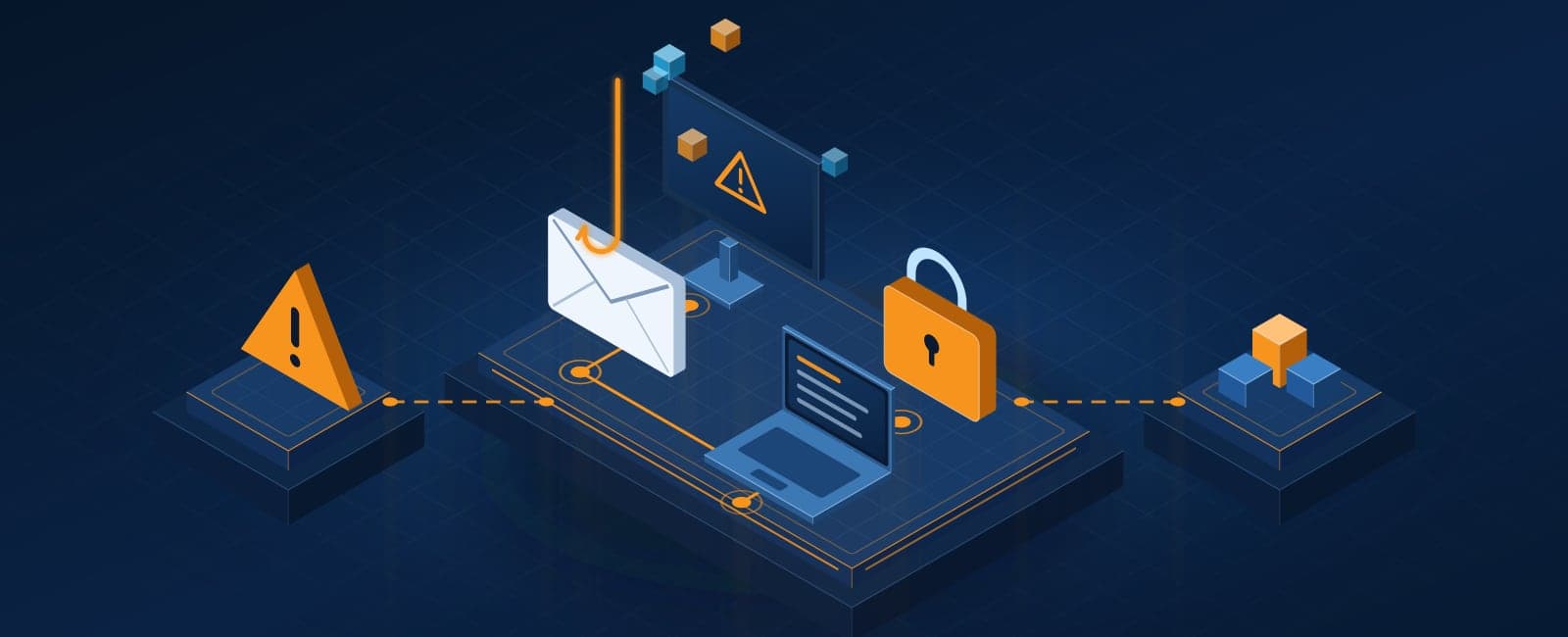
Phishing is the most reported cybercrime in the country. In its 2024 report, the FBI's Internet Crime Complaint Center logged 193,407 phishing and spoofing complaints, more than any other category. Business email compromise, where a criminal impersonates a boss or vendor to redirect a payment, cost businesses $2.77 billion across 21,442 reported cases.
It happens all year. Late summer is when it hurts most.
Why August is prime time
- People are away. Vacations mean out-of-office replies telling a scammer exactly who is gone and who to impersonate, plus covering staff who don't know the usual process.
- New people are starting. Summer hires and back-to-school schedule changes bring new staff who don't yet know what a normal request looks like.
- Everyone is busy. Quarter-end, harvest and tourist season in Door County leave less time to stop and check.
Attackers don't need a clever trick. They need someone in a hurry. Every summer is a reminder of that for me: the requests that slip through are rarely sophisticated, they just arrive at the wrong moment.
What phishing looks like now
The misspelled email from a foreign prince is mostly gone. Today's versions are cleaner:
- Fake invoices and payment changes. A familiar vendor's email asks you to update their bank details. Sometimes it really is their account, which was hacked first.
- Payroll redirects. "I changed banks, please update my direct deposit" from an employee's email address.
- QR codes. A code in an email or on a printed notice that leads to a fake sign-in page, scanned on a phone where it's harder to check.
- Fake sign-in pages. "Your Microsoft 365 password expires today." The page looks perfect and collects the password.
- Sign-in prompt floods. Repeated approval requests on your phone until someone taps "Approve" to make them stop.
- Callback scams. An email about a subscription renewal with a phone number to "cancel". The person who answers walks you through installing remote access.
- AI-written messages. No typos, the right tone, and sometimes a voice message that sounds like the boss.
The habits that stop it
- Verify every payment change by phone, using a number you already have, never one in the email.
- Use multi-factor sign-in everywhere, ideally with number matching or a security key, so a stolen password isn't enough.
- Filter email properly. Business email protection catches most of these before anyone sees them.
- Set up SPF, DKIM and DMARC on your domain, so criminals can't send email that appears to come from you. Our free website check shows whether yours are in place.
- Train with real examples. Short phishing simulations a few times a year beat a long annual video.
- Make it easy to report. A "report phishing" button, and a culture where asking "is this real?" is praised, not mocked.
- Keep out-of-office replies short. Say when you're back; don't list who handles payments while you're gone.
If one habit from this list sticks, make it the phone call before any payment change. It costs a minute, and it's the best defense I know against the scams that actually cost small businesses money.
Not sure where your business stands on this?
We’ll walk through how you handle it today and tell you straight whether it needs attention.